
Make Collaboration Count: Design for People + AI
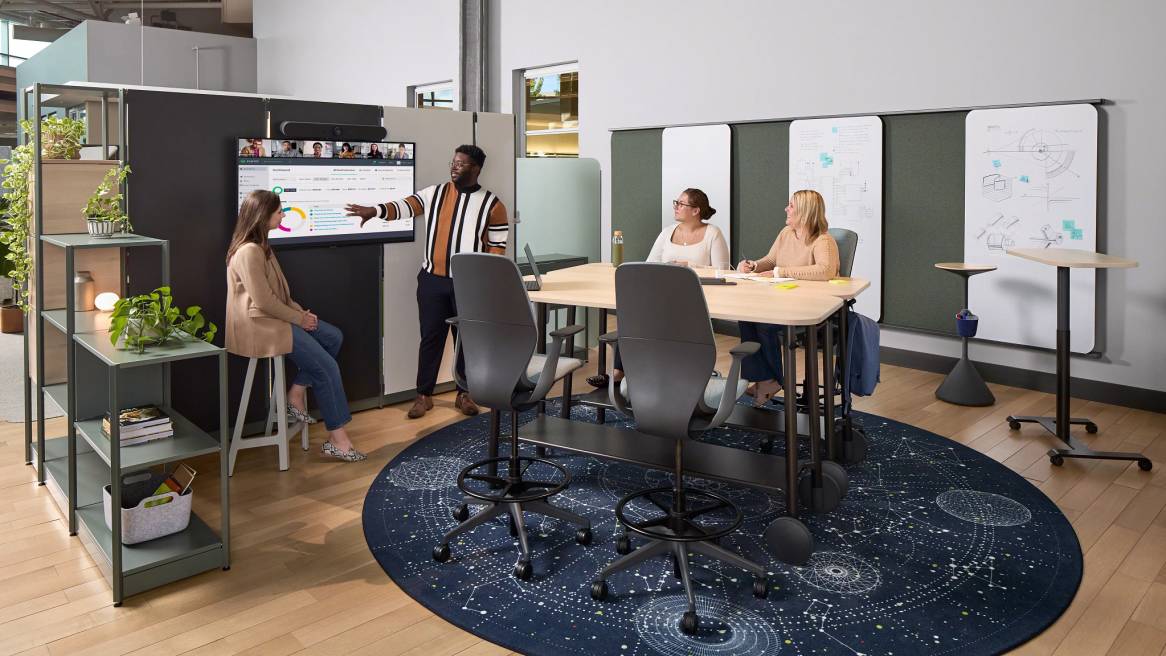
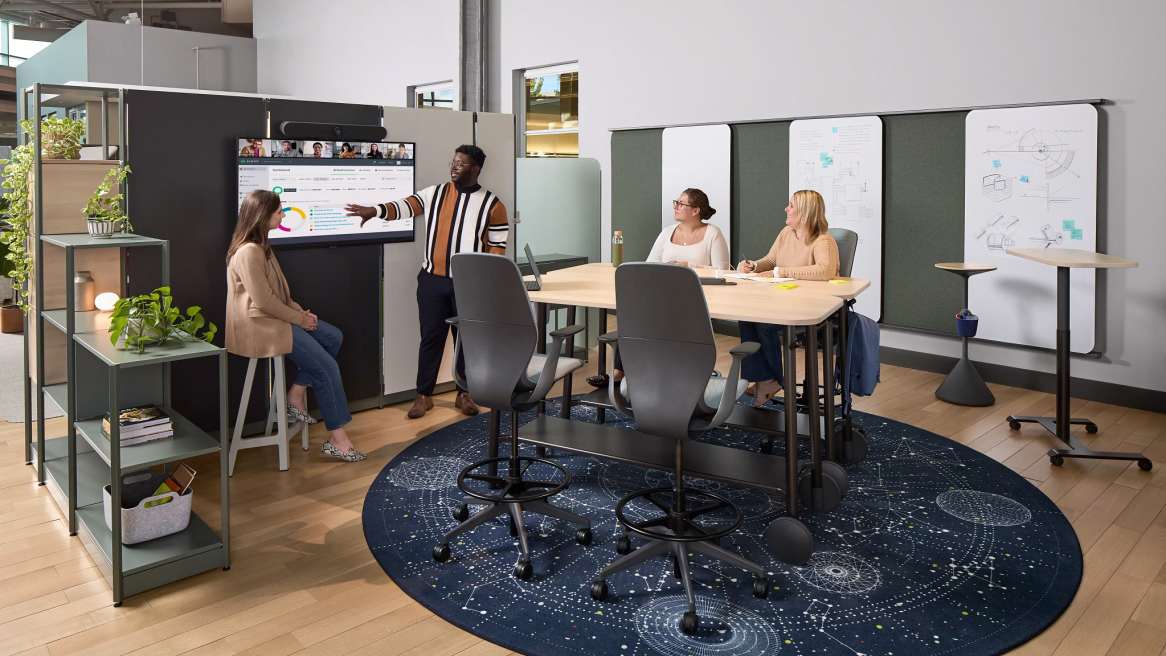
AI is changing the pattern of work. We spend more time with assistants and agents on screens. The rhythm of the day now alternates between digital creation and in‑person synthesis. When people do come together, those human moments matter most — they’re where teams build shared context, stress‑test ideas and make decisions. The challenge for organizations is to design spaces that are integrated with technology, enabling people to quickly transition from solo and human-agent work to high-value, face-to-face collaboration — and make those moments count.
By deeply understanding how we work best with others, we can create environments that enhance collaboration. It’s essential to acknowledge that our work with others takes a variety of forms. Three collaboration types — informative, evaluative and generative — each need something different from the workplace. Teams switch among distinct modes, each with different cognitive demands, social dynamics and tech requirements.
1) Informative Collaboration
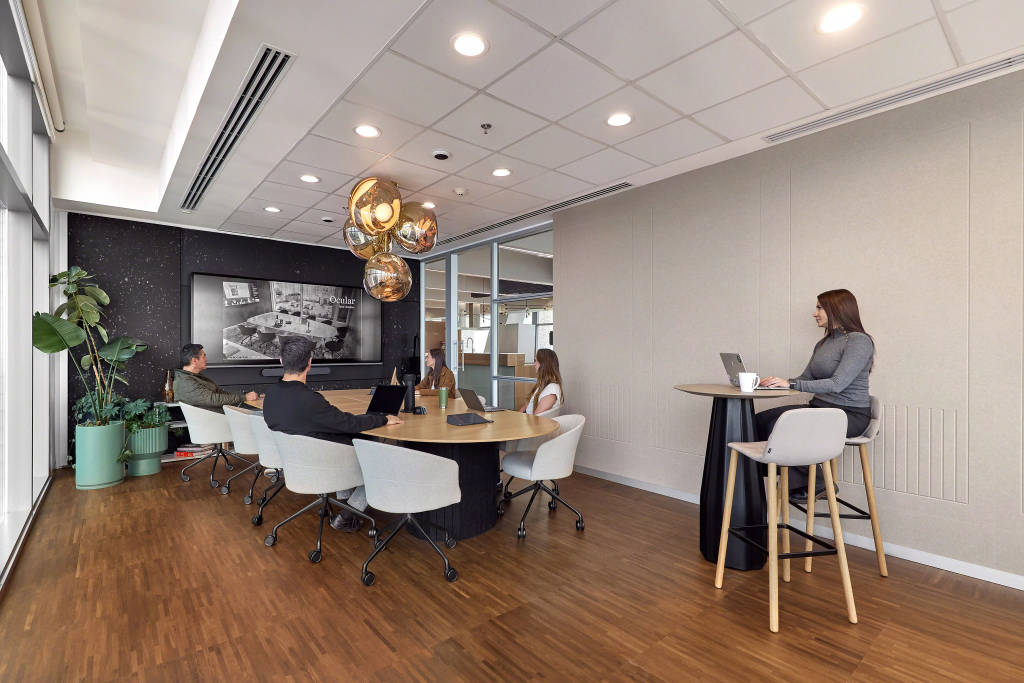
What it is: Sharing or broadcasting context, updates or knowledge so everyone can stay aligned — the briefings, reviews and training moments that keep a fast‑moving organization in sync.
Why it’s different: The priority is clarity and reach, not debate. People need to see and hear well, to access content later and to participate equitably, whether they’re on site or remote.
What helps: Rooms that prioritize sightlines, reliable audio, and straightforward content capture; camera framing and lighting optimized for faces and screens; easy recording and AI summarization, ensuring information remains accessible for asynchronous follow-up.
.
.
2) Evaluative Collaboration
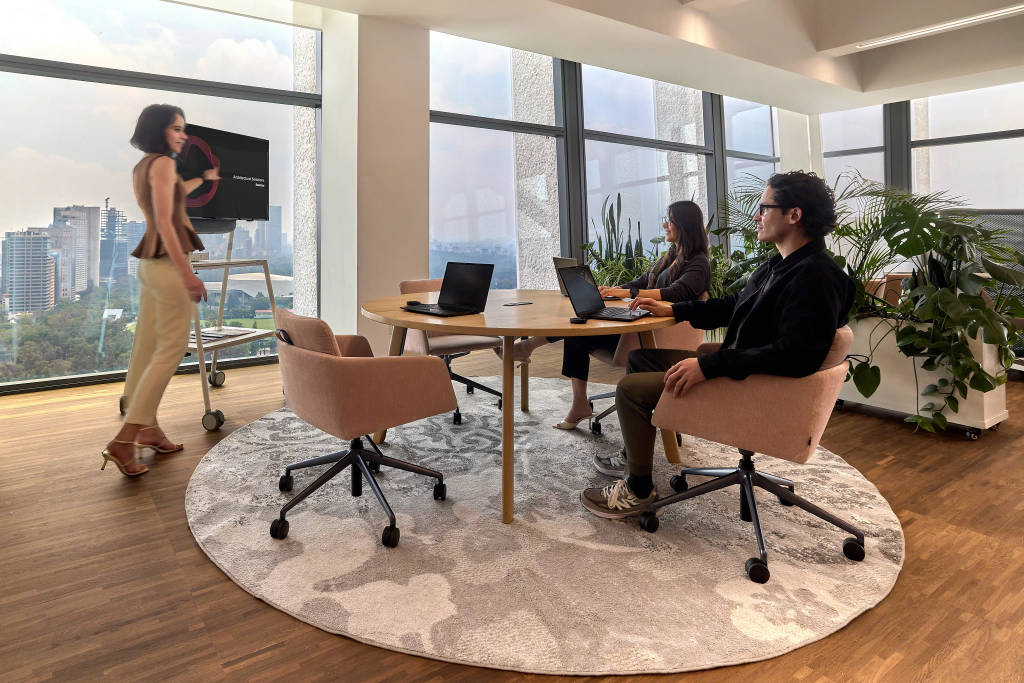
What it is: Comparing options, testing assumptions, making choices — the checkpoint where human judgment matters most.
Why it’s different: This mode benefits from balanced visibility of people and content, as well as tools that surface tradeoffs (such as side-by-side views, multi-source content and annotation). It also requires psychological safety — a setting that signals focus, fairness, and shared accountability.
What helps: Spaces that reduce cognitive load: controlled acoustics, adjustable lighting to minimize screen glare, shared and personal displays for simultaneous views, plus AI tools that sort evidence, detect patterns and capture decisions without hijacking attention.
.
.
3) Generative Collaboration
What it is: Creating new ideas, artifacts or prototypes together — from concept sprints to co‑writing.
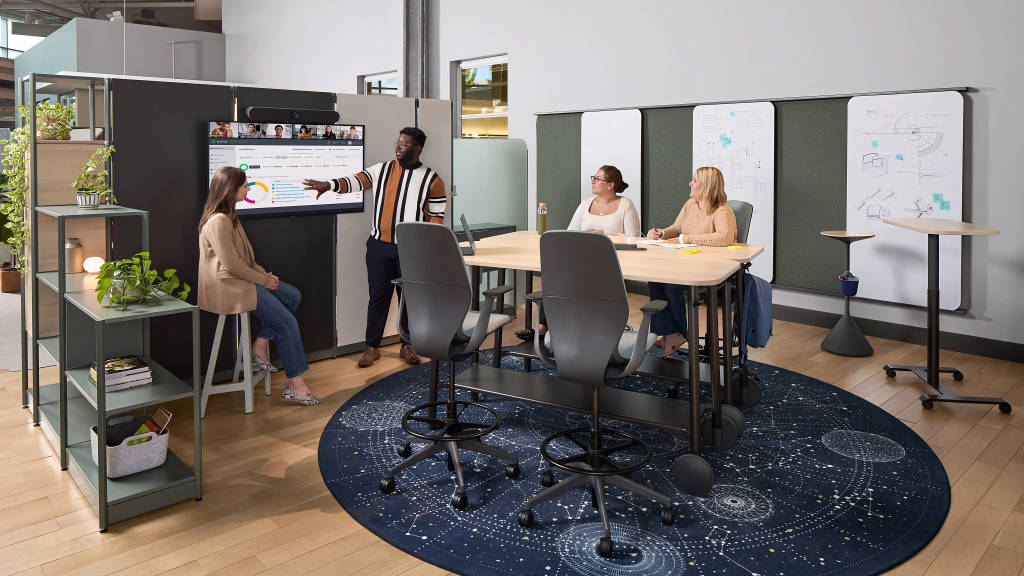
Why it’s different: Generative work thrives on movement, messiness and iteration. People need to externalize their thinking (using whiteboards, sticky surfaces, or large shared digital displays), experiment with AI as a partner, and shift quickly between divergent and convergent thinking.
What helps: Fluid furniture, writable walls, large interactive displays, plus easy analog-to-digital capture, so nothing gets lost when teams toggle between hands-on making and AI-supported synthesis.
.
.
Why Integration Matters — Technology + Space as One Experience
In the AI era, performance depends on seamless integration. Camera angles, microphone arrays, cable management and power access are not extras; they’re enablers of trust and speed. Steelcase designers emphasize integrating furniture, acoustics, camera positioning and lighting — because collaboration with AI and remote colleagues fails when people can’t be seen or heard.
This all needs to happen within an ecosystem that flexes as teams shift modes across the day. Community-Based Design, a Steelcase approach to the workplace that draws on urban planning principles, provides a pragmatic blueprint to support various collaboration types. It treats the workplace like a thriving community with diverse, mixed‑use “districts” that respond to change while fostering relationships. Communities are both places we inhabit and relationships we build; Community‑Based Design addresses both. In practice, this means planning a range of spaces and technologies that are intentionally patterned across a floor plan — from city-center hubs for information sharing to quieter neighborhoods for evaluative work, to maker-style studios and project rooms for generative collaboration — each with the right technology and sensory conditions built in.
Community‑Based Design also integrates technology and space by design rather than by retrofit. When districts are conceived with camera sightlines, acoustic comfort, power and data access, and content capture in mind, teams move faster with fewer obstacles.
The payoff is resilience. As the AI supercycle accelerates, organizations that invest in community will be able to adapt more quickly. They’ll align swiftly through information collaboration, make better decisions through evaluative collaboration and innovate more through generative collaboration. Community-Based Design builds the connective tissue that helps people feel part of something bigger, even as attention shifts between digital assistants and human colleagues.